





How to Create a Christmas Couple Photo at Night Using Google Gemini & AI Prompts
Creating a Christmas couple photo at night is simple with Google Gemini Nano or any AI image generator. You don’t need a camera, studio, or professional lighting—just the right prompt and a clear idea of the style you want. Start by opening your AI tool and selecting portrait or vertical orientation. Night Christmas photos look best with warm lights, snowfall effects, and a soft romantic mood.
2. Tips for Better Prompts and Realistic Christmas Night Effects
For a realistic Christmas night photo, always include elements like warm fairy lights, snow particles, cozy outfits, and a soft emotional expression. These small additions make AI results look natural and romantic. Avoid mixing too many details in one prompt; keep it clear and focused.
You can also enhance realism by adding mood keywords such as “festive atmosphere,” “winter romance,” “golden lights,” and “deep night sky.” If lighting looks dark, instruct: “soft warm light on faces.”
With the right prompt, Google Gemini Nano Banana can create stunning Christmas couple photos that look like real festive photography perfect for social media
This helps Gemini understand exactly what you want.
If you need specific size, for instagram like 1080×1350 px, you can also add:
“Image size 1080×1350 px, vertical portrait.”
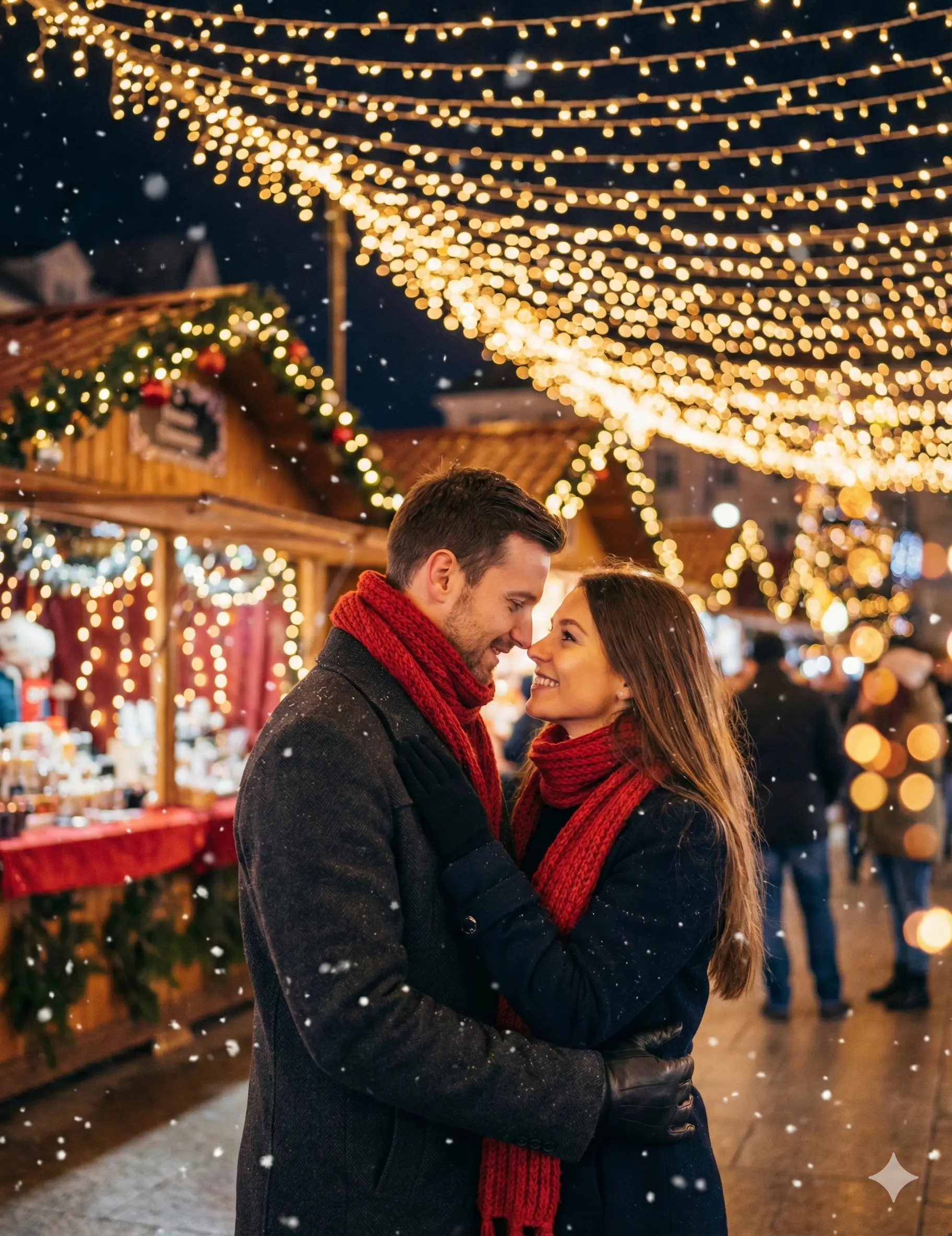
Prompt
A romantic Christmas couple standing close together under warm glowing string lights at night, soft snowfall around them, cozy winter outfits (red scarf, woolen coat), Christmas market in the background with fairy lights, warm bokeh effect, gentle smiles, magical festive atmosphere, cinematic lighting, high-resolution, ultra realistic, holiday vibes. make image image size width 2000px x hight 2600px
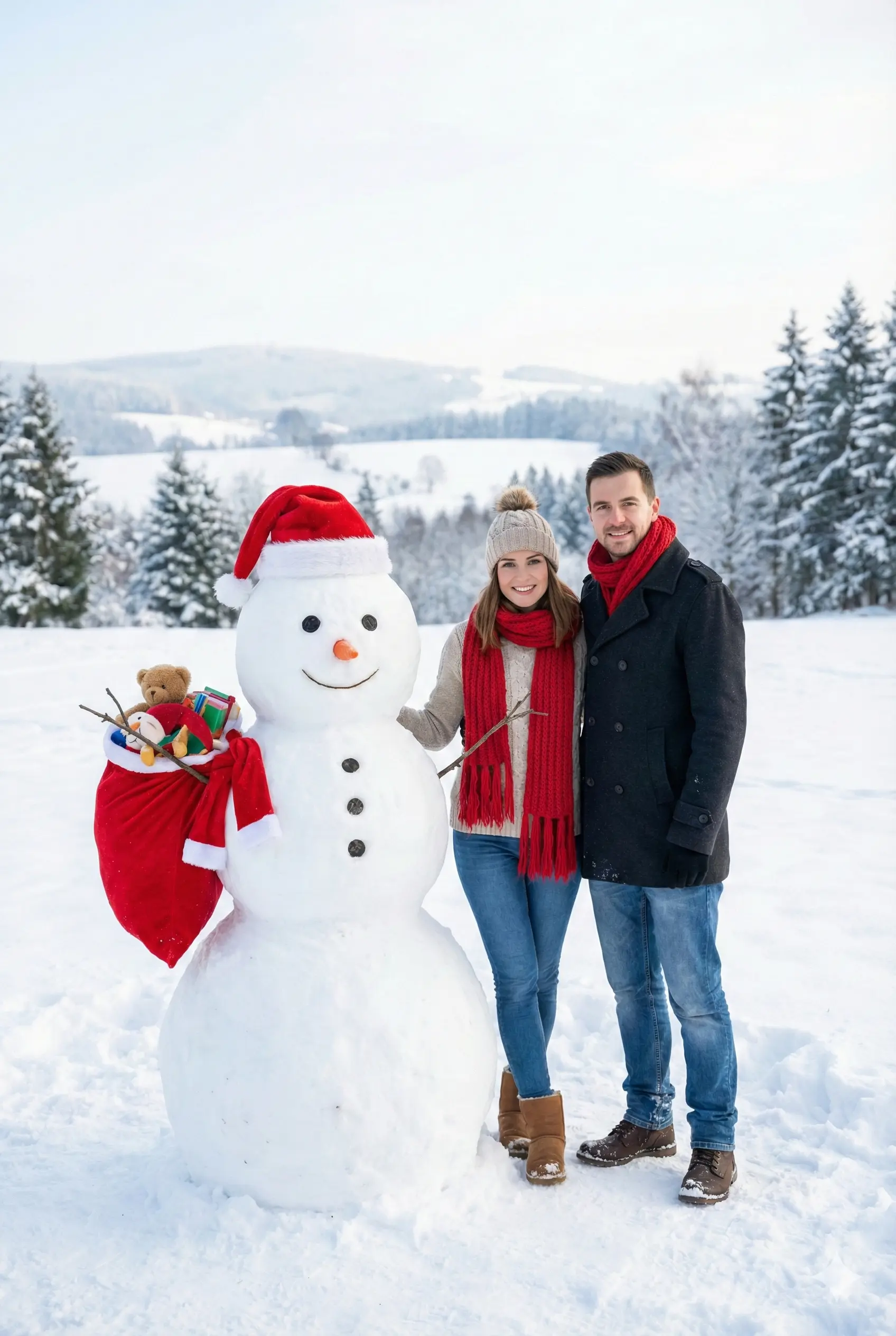
Prompt
A realistic, ultra-high-resolution 8K photo of a happy romantic couple standing in a bright snowy open field during daytime, next to a large cute snowman dressed like Santa Claus wearing a red Santa hat and holding a sack. The couple is wearing cozy winter fashion with a thick red knitted scarf and textured woolen coats. The scene shows a wide landscape of pristine white snow and distant pine trees under a clear blue sky. Bright natural sunlight, cinematic daylight glow, sharp realistic details, clean atmosphere, no falling snow, no buildings. Vertical portrait image, width 2000px × height 2600px, ultra-realistic photography style